
Network & Infrastructure
Why MikroTik Configuration Backup and RouterOS Version Tracking Matter
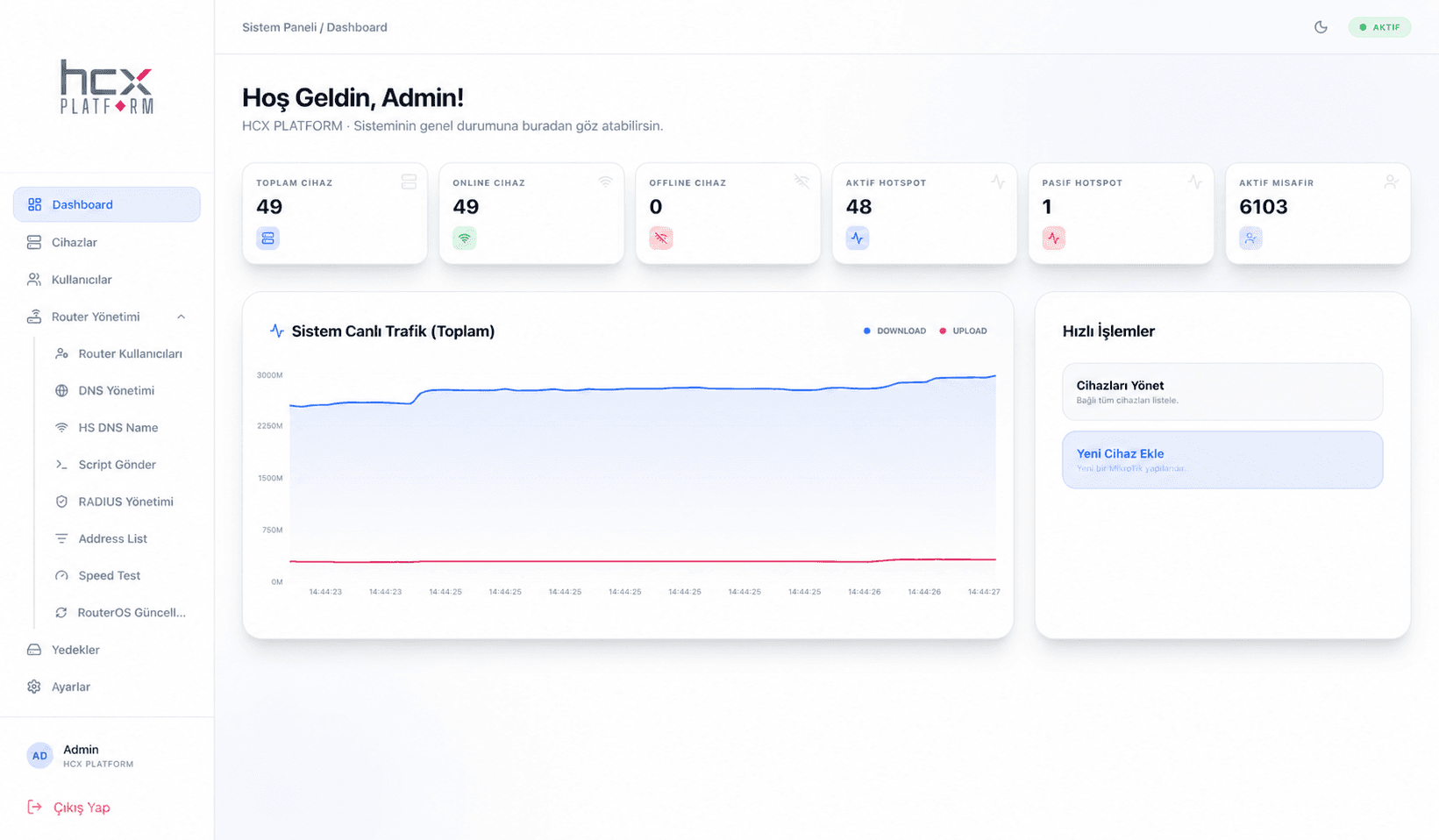
A MikroTik device's configuration is the product of hours of engineering work. A hardware failure, a mistyped command, or a power outage can wipe it out in an instant. The most effective safeguard against that is a regular, accessible backup system.
Automatic configuration backup
HCX MikroControl regularly backs up connected devices' configurations and stores them securely; if something goes wrong, you can roll back to a previous configuration from the version history.
- Configuration backup
- Version history
- Restore
- Secure data storage
Why RouterOS version detection matters
An outdated RouterOS version can lead to both security vulnerabilities and performance issues. HCX MikroControl detects the RouterOS version of every connected device, making bulk update planning easier.
Fast response with bulk commands
When you need to send the same command to multiple devices, or restart them remotely, HCX MikroControl lets you do it in bulk instead of connecting to each device individually.
Early warning through notifications
Email notifications go out when critical performance thresholds are crossed, turning backup and version management into a proactive process rather than a reactive one.
Related Product
HCX MikroControl →Let's Talk About Your Project
Have questions about this topic? Get in touch with our team or request a quote.